How to Start Using AI in 2026: A Practical Guide for Beginners
 Jul, 7 2026
AI Prompt Engineering Simulator
Fill in the fields below to construct a high-quality prompt using the recommended framework.
Feedback:
- Enter details on the left to see analysis.
Final Prompt:
It is July 2026, and the question isn't whether you should use artificial intelligence, a technology that uses computer systems to perform tasks typically requiring human intelligence. It is how quickly you can start. If you are still watching from the sidelines, wondering if AI is just hype or something you can actually use today, you are missing out on hours of saved time and creative breakthroughs. You do not need a computer science degree. You do not need to buy expensive hardware. You just need to know where to click.
This guide cuts through the noise. We will skip the complex math and focus on what you can do right now. Whether you want to write better emails, analyze data faster, or create images for your social media, this is your starting line.
Quick Summary / Key Takeaways
- Start with Chatbots: Large Language Models (LLMs) like ChatGPT or Claude are the easiest entry point for text-based tasks.
- Prompting is a Skill: Learning to ask clear, specific questions (prompt engineering) is more valuable than knowing code.
- AI Is Not Magic: It makes mistakes (hallucinations). Always fact-check critical information.
- Privacy Matters: Never input sensitive personal data (passwords, SSNs) into public AI models.
- Iterate Fast: Treat AI as a collaborator. Refine its output until it meets your needs.
Step 1: Choose Your First Tool
The biggest mistake beginners make is trying to learn everything at once. Do not try to build a neural network on day one. Instead, pick one tool that solves a problem you face every week.
For most people, the best starting point is a Large Language Model, an advanced AI system trained on vast amounts of text to understand and generate human-like language. These are often called chatbots. The market has matured significantly by 2026. While ChatGPT, developed by OpenAI, remains a dominant player in conversational AI. is popular, alternatives like Claude, an AI assistant created by Anthropic known for its safety and nuanced reasoning capabilities. offer different strengths. Some are better at coding; others excel at creative writing or summarizing long documents.
Here is how to choose:
- General Use: Stick with ChatGPT or Google's Gemini. They are versatile and free tiers are generous enough for learning.
- Workplace Integration: If you use Microsoft Office, explore Copilot. It sits directly inside Word and Excel, making adoption seamless.
- Creative Work: Try Midjourney or DALL-E 3 for image generation. These tools turn text descriptions into visual art.
Sign up for one account today. Just one. Get comfortable logging in and seeing the interface. This lowers the barrier to entry.
Step 2: Learn the Art of Prompting
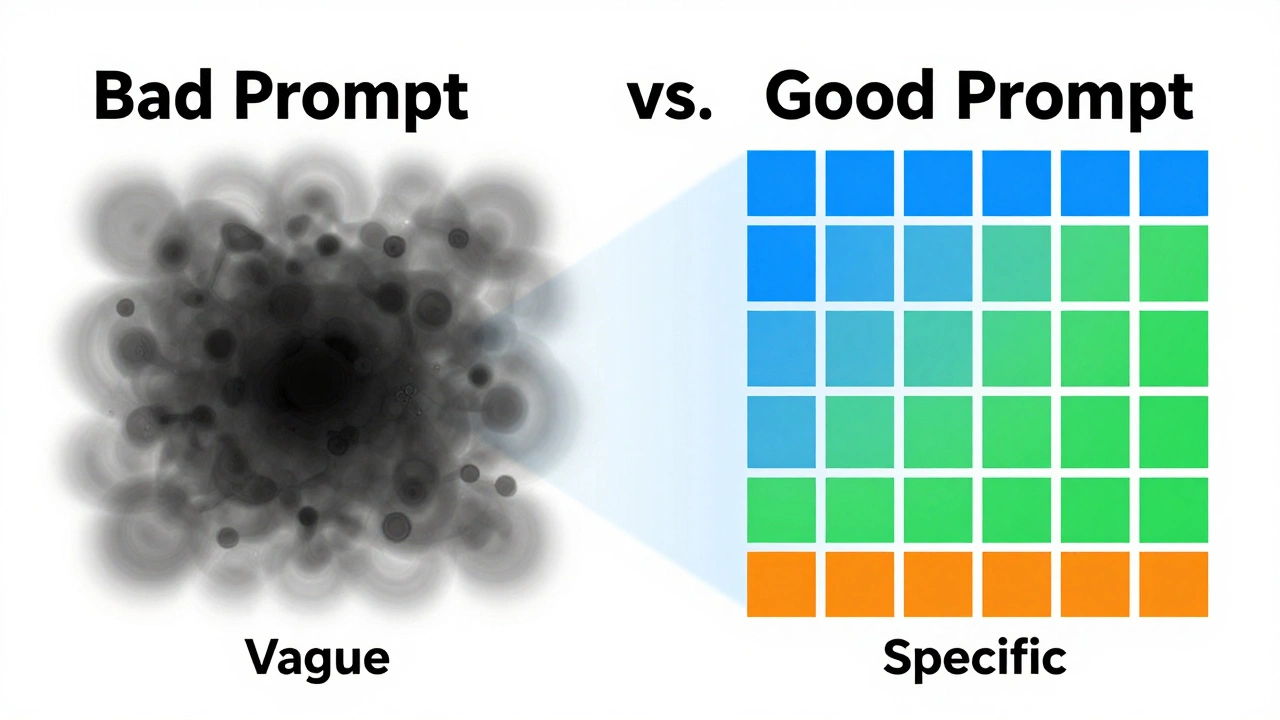
You cannot get good results from AI if you give it vague instructions. This process is called prompt engineering, the practice of designing effective inputs to guide AI models toward desired outputs.. Think of it like hiring a brilliant but literal intern. If you say "write a blog post," they will guess the topic, tone, and length. If you say "write a 500-word blog post about cat care for new owners, using a friendly tone," you get exactly what you need.
Use this simple formula for your first prompts:
- Role: Tell the AI who it is. (e.g., "Act as a senior marketing manager...")
- Context: Give background info. (e.g., "We are launching a new eco-friendly water bottle...")
- Task: Define the action. (e.g., "Write three catchy headlines...")
- Format: Specify the output style. (e.g., "Present them as a bulleted list.")
Example:
Bad Prompt: "Help me with my diet."
Good Prompt: "Act as a nutritionist. I am a vegetarian looking to gain muscle mass. Create a simple weekly meal plan focusing on high-protein plant sources. Format it as a table with breakfast, lunch, dinner, and snacks."
Notice the difference? The second prompt gives the AI constraints. Constraints force creativity within boundaries, which leads to higher quality results.

Step 3: Integrate AI Into Daily Tasks
Once you have your tool and know how to prompt, you need to find places to use it. Do not wait for a big project. Start small. Here are five low-stakes ways to integrate AI into your routine immediately.
| Task | AI Action | Time Saved |
|---|---|---|
| Email Drafting | Paste rough notes and ask AI to polish the tone. | 10-15 minutes per email |
| Summarization | Upload a long PDF or paste a news article and ask for key takeaways. | 20-30 minutes per document |
| Brainstorming | Ask for 10 ideas for gift ideas, blog topics, or team names. | Immediate inspiration boost |
| Data Cleaning | Use AI to format messy lists or extract dates/names from text. | Hours of manual copying |
| Learning New Skills | Ask AI to explain complex concepts like "Explain quantum computing like I'm 10." | Reduces research time by 50% |
Try the email task first. It is low risk. Write a draft yourself, then ask the AI to improve it. Compare the two. You will likely see that the AI version is smoother, but yours might have more personality. Combine them. That is the workflow.
Understanding the Risks: Hallucinations and Bias
Before you trust AI with important decisions, you must understand its flaws. The biggest issue is hallucination, when an AI model confidently generates false or nonsensical information.. Because LLMs predict the next word based on probability, not truth, they can invent facts, quotes, or legal precedents that never existed.
Always verify critical information. If you are using AI for medical advice, legal contracts, or financial planning, treat its output as a first draft, not a final answer. Cross-reference with primary sources.
Bias is another concern. AI models are trained on internet data, which contains human prejudices. Be aware that outputs may reflect stereotypes. If you notice biased language, correct it in your prompt. Say, "Ensure this description avoids gender stereotypes" or "Provide a balanced view of both sides."
Privacy and Security Best Practices
In 2026, data privacy is non-negotiable. Most free AI services retain your conversation history to improve their models. This means anything you type could potentially be seen by human reviewers or used to train future versions.
Follow these rules:
- No PII: Never input Personally Identifiable Information. This includes names, addresses, phone numbers, credit card details, or passwords.
- Anonymize Data: If you are analyzing customer data, replace real names with "Customer A" or "User 1" before pasting it into the AI.
- Check Settings: Look for a toggle in your AI provider's settings that says "Do not use my data for training." Turn it on.
- Enterprise vs. Free: If you work in a regulated industry (healthcare, finance), check if your company has an enterprise-grade AI solution that guarantees data isolation. Do not use public tools for proprietary work.
Next Steps: Building Your AI Workflow
Starting is easy. Mastering takes iteration. After your first week, reflect on what worked. Did the AI save you time? Did you spend more time correcting it than doing the task yourself? Adjust your approach.
Consider exploring specialized tools. If you are a designer, look into AI-assisted graphic design platforms. If you are a developer, try GitHub Copilot for code completion. The ecosystem is expanding rapidly. By mid-2026, AI agents-systems that can execute multi-step tasks autonomously-are becoming more accessible. Keep an eye on these developments, but stick to the basics first.
Remember, AI is a tool, not a replacement for your judgment. It amplifies your abilities. The goal is not to let AI think for you, but to help you think clearer and faster. Start today. Pick one task. Ask the AI for help. See what happens.
Is AI free to use?
Most major AI providers offer free tiers with limited usage. For example, ChatGPT and Claude have robust free versions suitable for casual use. However, heavy users or businesses often pay for premium plans that offer faster speeds, priority access, and larger context windows. Always check the pricing page of your chosen tool for the latest 2026 rates.
Can AI replace my job?
AI is unlikely to replace entire jobs soon, but it will change how those jobs are done. Roles that involve repetitive data processing, basic writing, or standard analysis are most affected. However, jobs requiring complex decision-making, emotional intelligence, and strategic oversight remain safe. The key is to adapt by using AI to handle the mundane parts of your work, freeing you for higher-value tasks.
What is the difference between ChatGPT and other AI models?
While all large language models share similar underlying technologies, they differ in training data, safety guidelines, and specialized strengths. ChatGPT is known for its versatility and coding abilities. Claude is praised for its ethical alignment and nuanced reasoning. Google Gemini integrates deeply with Google services. The best choice depends on your specific needs and preferred ecosystem.
How do I avoid plagiarism when using AI?
AI-generated content is not inherently plagiarized, but it can mimic existing styles too closely. To avoid issues, use AI as a brainstorming partner rather than a ghostwriter. Rewrite its suggestions in your own voice. Cite AI assistance if required by your institution or employer. Always run final drafts through plagiarism checkers to ensure originality.
Do I need to know how to code to use AI?
No. Modern AI tools are designed for natural language interaction. You simply type or speak in plain English. Coding knowledge is helpful for advanced customization or building custom AI applications, but it is not required for everyday productivity tasks like writing, summarizing, or data analysis.